

A shared mailbox in Gmail or Outlook works right up until two people answer the same customer in the same hour. Shared inbox software fixes that with ownership: every message can be assigned, discussed internally and tracked to a reply. Below are the eight tools worth shortlisting in 2026, ranked with real list prices, plus an honest note at the end about when this whole category is the wrong purchase.
How to choose: the four questions that decide it
1. Is it support? If the mailbox is customer-facing, a help desk shape (Help Scout) beats generic collaboration. 2. Will they leave Gmail? If not, Hiver or Drag. 3. Do you need SLAs and reporting? That is where Front earns its price. 4. How many seats really need it? Most teams over-buy here; count the people who actually touch the shared address, not the headcount.
The 8 best shared inbox tools in 2026
1. Front
The category standard: collaboration, rules, SLAs and reporting.
- Best for
- Teams of 5 to 50 that live in a shared mailbox all day
- Price
- From ~$25/seat/mo (Starter), ~$65 (Professional), billed annually
Front is the most complete shared inbox on the market: assignment, internal comments, shared drafts, automation rules, SLA tracking, analytics and a deep integration catalogue, across email, SMS, social and WhatsApp. It is also the most expensive, and the jump from Starter to Professional is the number that catches teams out: on Front's pricing page, Starter covers a single channel type for up to 10 seats, and omnichannel starts at Professional.
2. Missive
Front's model at roughly half the seat price.
- Best for
- Small teams that want collaboration without the enterprise bill
- Price
- From ~$14/user/mo (annual, up to 5 users)
Chat lives directly beside the email thread, which makes handovers faster than commenting systems bolted on elsewhere. Assignment, rules and multi-channel support are all here. The interface is dense and teaches itself less readily than Front's, so budget an hour of onboarding per person. There is no free plan, but new teams get a 30-day trial.
3. Hiver
A shared inbox that never leaves Gmail.
- Best for
- Google Workspace teams where adoption is the real risk
- Price
- From ~$25/user/mo (annual)
Hiver layers assignment, notes, analytics and, on the Pro tier, SLAs on Gmail itself, so there is no new app and effectively no training. The entry tier is priced near Front's, which makes this a choice about friction rather than cost.
4. Help Scout
Shared inbox shaped like a help desk.
- Best for
- Customer support mailboxes
- Price
- Free up to 5 users; from ~$25/user/mo
Saved replies, knowledge base, customer history and satisfaction ratings, without the heaviness of a full ticketing suite. The free plan (five users, one inbox, 100 contacts a month) is the best no-budget starting point in this list.
5. Drag
Gmail as a shared kanban board.
- Best for
- Teams of two to five who think in boards
- Price
- From ~$12/user/mo (annual)
Boards, assignment and shared drafts inside Gmail at half of Front's entry price. Thin on reporting and channels, generous on simplicity. A good first shared inbox that you will eventually outgrow.
6. Gmelius
Shared inboxes plus workflow automation.
- Best for
- Gmail teams that want automation rules around a shared address
- Price
- From ~$19/user/mo (annual)
The differentiator is workflow: automation rules alongside the shared inbox, inside Gmail. Check the monthly conversation caps on lower tiers before you commit; they are the usual reason a plan turns out to cost more than the sticker.
7. Zoho TeamInbox
The budget pick.
- Best for
- Price-sensitive teams and existing Zoho customers
- Price
- From ~$5/user/mo (annual)
Shared inboxes, assignment and internal threads at a fraction of everything above. The interface is functional rather than delightful and the integration story is mostly Zoho, but for a five-person team the annual difference against Front Professional is thousands of dollars.
8. Google Groups collaborative inbox
Free, and already in your Workspace.
- Best for
- Teams who want to prove they need this before paying
- Price
- Included with Google Workspace
Assign a conversation to a member, mark it complete, share the address (Google's setup guide). No automation, no SLAs, no reporting, and the experience is clearly a decade old. Still the correct first step for a team that has never shared a mailbox formally, because it tells you which features you actually miss.
Quick comparison
| Feature | Front | Missive | Hiver | Help Scout | Zoho TeamInbox |
|---|---|---|---|---|---|
| Assignment and internal comments | Yes | Yes | Yes | Yes | Yes |
| SLA tracking and analytics | Yes | Basic | Yes | Yes | Basic |
| Lives inside Gmail | No | No | Yes | No | No |
| Free plan | No | No | No | Up to 5 users | No |
| Starting price | ~$25/seat/mo | ~$14/user/mo | ~$25/user/mo | ~$25/user/mo | ~$5/user/mo |
When shared inbox software is the wrong purchase
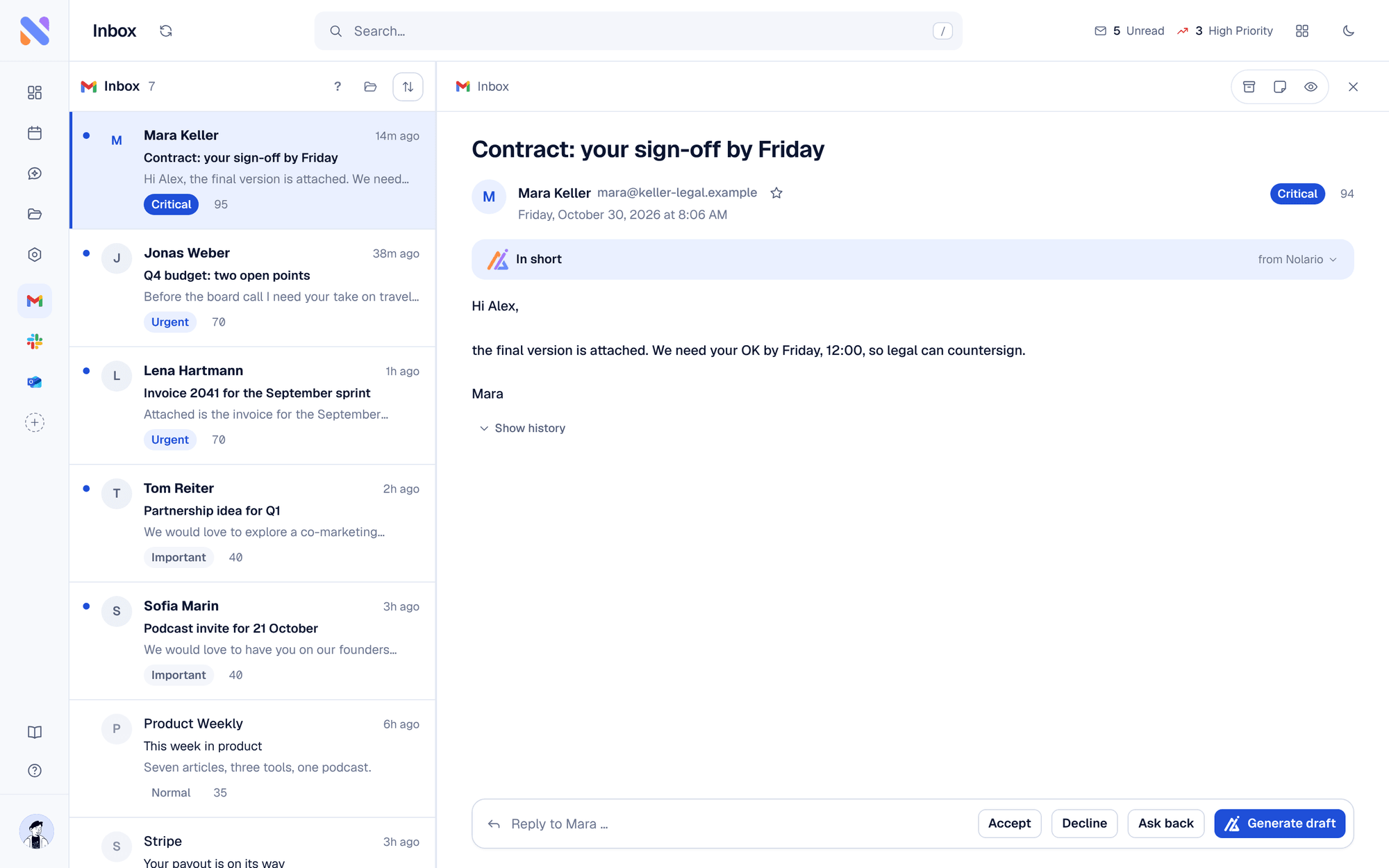
Pull last month's threads and count how many were genuinely handed between people. If the answer is "almost none", you do not have a collaboration problem, you have an attention problem, and paying per seat for assignment features will not touch it. The symptoms are different too: nothing gets answered twice, things simply get answered late, because the message that mattered was sitting under forty that did not, or in Slack rather than in the mailbox at all.
The bottom line
Pick Front if the shared mailbox is the job and you want it done properly, Missive if that price is not justifiable yet, Hiver if your team will not leave Gmail, and Help Scout if you are really running support. Start on Google Groups or Help Scout's free tier if you are not sure yet, and skip the category entirely if nobody was ever going to assign anything.
