

People reach for Notion to organize everything, and sometimes try to run their communication there too. But Notion and Nolario answer different questions. Notion is where your knowledge lives, docs, databases, project plans. Nolario is where your incoming stream gets triaged, email, Slack, Teams and calendar, ranked by what needs you. Here is how they compare, and why most teams use both.
What each one is built for
Notion is a flexible workspace. Wikis, meeting notes, roadmaps, CRMs built from databases, it is where structured knowledge and plans live, and it is superb at that. It has a free plan, with paid plans from $10 per member per month at the time of writing.
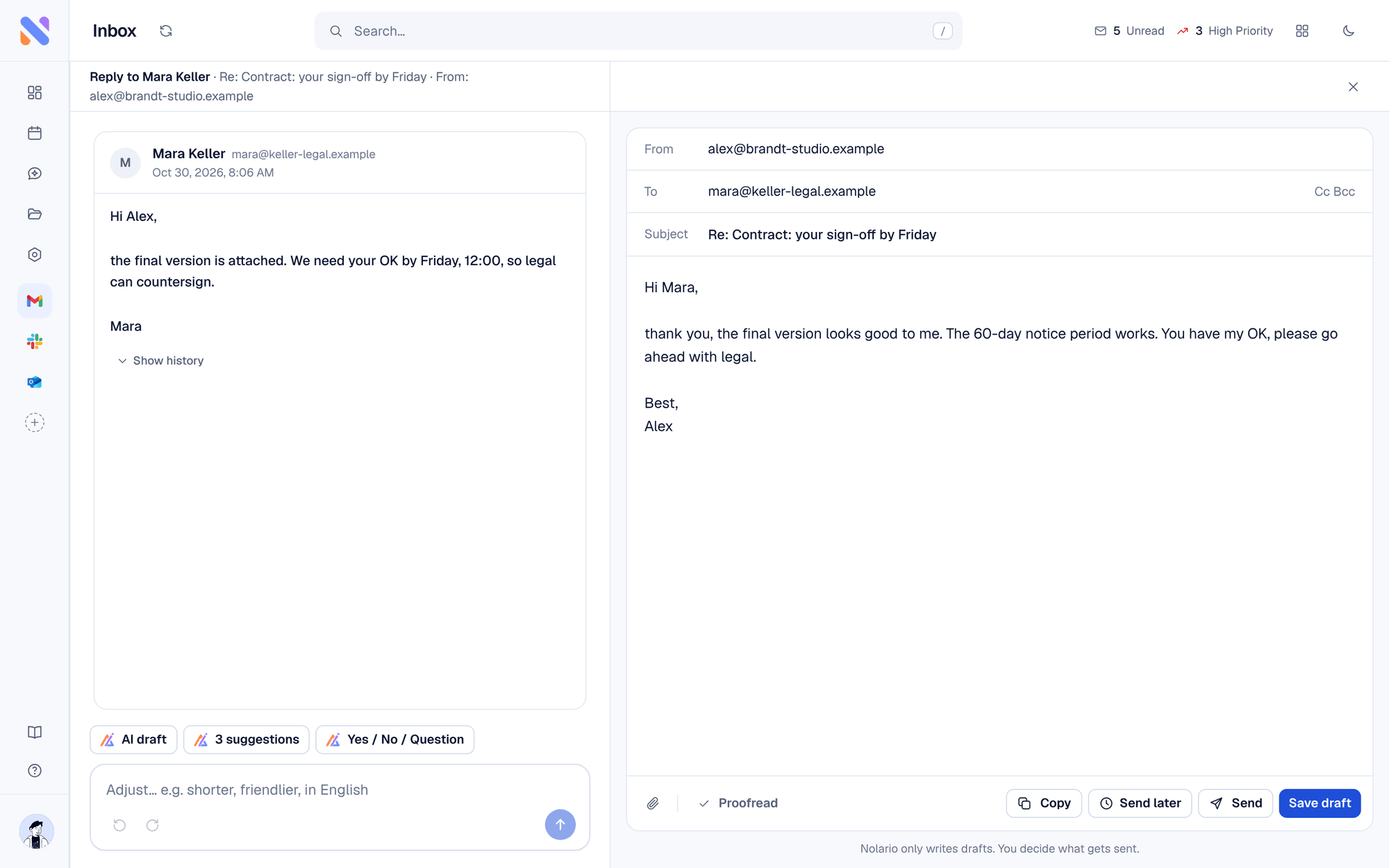
Nolario is a communication command center. It connects your actual channels and uses AI to decide what deserves attention first, then helps you reply in your voice. It is about the flow of messages, not the storage of documents.
Using Notion for communication: where it breaks
You can paste an important email into a Notion page or track follow-ups in a database. But Notion does not receive your messages. Your email still arrives in Gmail, your pings still land in Slack and Teams, and you still triage them there, then copy the important bits into Notion by hand. The prioritization, the part that saves a founder's day, happens outside Notion entirely.
At a glance
| Feature | Nolario | Notion |
|---|---|---|
| Receives email / Slack / Teams | Yes | No |
| AI importance ranking of messages | Yes | No |
| Drafts replies in your voice | Yes | No |
| Docs, wikis & databases | No | Yes |
| Project & knowledge management | Light | Yes |
| Best at | Triaging the incoming stream | Storing knowledge & plans |
Who should use which?
If you need a home for documents, wikis, roadmaps and databases, that is Notion, nothing here replaces it. If you are drowning in incoming messages across channels and need one prioritized place to handle them, that is Nolario.
Better together
The realistic setup for most founders is both: Nolario catches and ranks everything coming in and helps you respond, while Notion holds the decisions, docs and plans that come out of it. One manages attention; the other manages knowledge.
